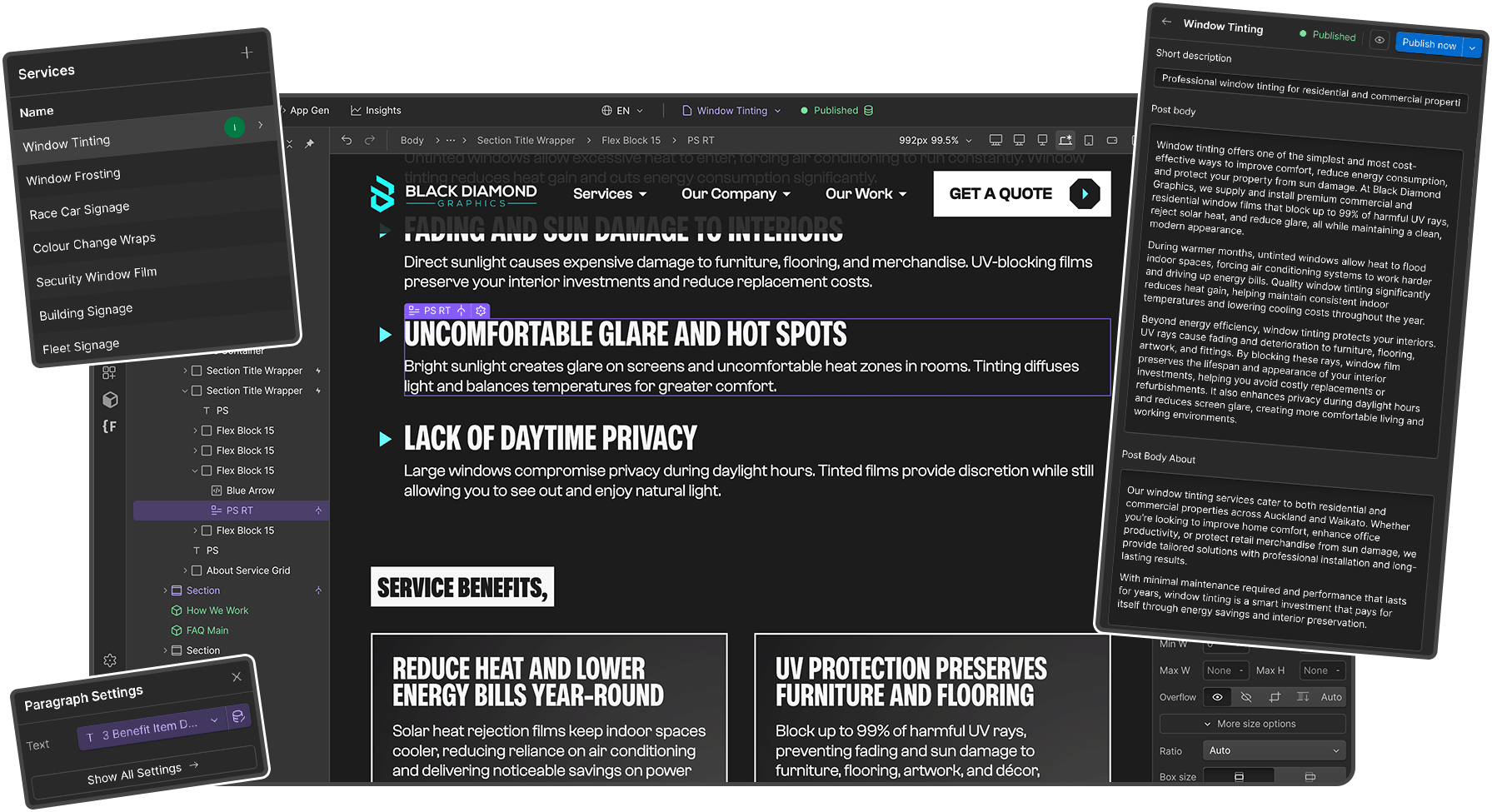
Update Your Website Yourself. No Code, No Developer, No Waiting
Manage blog posts, team members, portfolios, products, and more through an easy-to-use content management system. Full control over your content without touching code or waiting for a developer.

Why CMS Integration Matters
Your business evolves constantly. New team members join. Products change. Blog posts need publishing. Projects get completed. Prices adjust.
Waiting for a developer to make every content update is frustrating, expensive, and slow. You should be able to update your own content when you need to, without technical skills, without breaking anything, and without delays.
Every Websonic website includes Webflow's powerful CMS, giving you an easy-to-use interface to manage dynamic content independently, while we handle the design, technical updates, and complex changes.
The Content Update Bottleneck
Developer Dependency
Want to add a blog post? Publish a new project? Update your team page? You're waiting on a developer to schedule time and charge you.
Slow Publishing
Time-sensitive content (news, promotions, events) requires days or weeks of developer scheduling, missing the moment.
High Costs
Paying developer rates ($75-150/hour) just to add a blog post or update a team member profile is ridiculous.
Limited Control
Your content is hostage to someone else's schedule, priorities, and availability.
Lost Opportunities
SEO benefits from regular blogging. Customer engagement from updated portfolios. Fresh content that builds trust. All missed because updates are too difficult or expensive.
What Makes Webflow CMS Different
Visual, Intuitive Interface
Add and edit content through a clean, visual interface, no code, no confusing backends, no WordPress-style complexity.
Flexible Content Types
Create any content structure you need:
- Blog posts with categories and authors
- Portfolio items with project details
- Team members with bios and roles
- Products with pricing and variants
- Services with descriptions and images
- Testimonials with client details
- News and press releases
- Events and webinars
Rich Media Support
Add images, videos, PDFs, and other files directly through the CMS, automatically optimized for web performance.
SEO-Friendly
Each CMS item includes fields for meta titles, descriptions, and URL slugs, maintaining SEO best practices with every post.
Categories & Tags
Organize content with categories, tags, and filters, making it easy for visitors to find relevant information.
Publishing Controls
Schedule posts for future publication, save drafts, and unpublish content without deleting it permanently.


Ready to Get Your Professional Website?
Choose the plan that fits your business needs, starting at just $400 per month with zero setup fees and everything included.

How CMS Works - 5 Content Types You Control
Webflow CMS gives you complete control over dynamic content through an intuitive, visual interface. From blog posts to team members, portfolios to products. You can add, edit, and publish content anytime without touching code or waiting for a developer.
Blog Posts & Articles
Write and publish blog articles, industry news, company updates, keeping content fresh for SEO and customer engagement. Add new posts, include images and formatting, organize by category, schedule future publishing, and edit existing posts anytime.
Portfolio & Projects
Add completed projects with photos, descriptions, and details, building credibility with visual proof. Upload multiple project photos, include client testimonials, organize by service type or industry, and feature your best work prominently.
Team Members
Update team pages with bios, photos, and roles, building trust by showing the faces behind your business. Add new team members instantly, update roles and responsibilities, change photos and contact details, and maintain accurate organizational structure.
Products & Services
For product catalogues or service listings, manage descriptions, pricing, images, and details without developer help. Add new products or services, update pricing and availability, upload product images, and modify descriptions as your business evolves.
News & Announcements
Share company news, industry updates, and announcements immediately without waiting for developer availability. Publish news instantly, update existing announcements, remove outdated information, and control what appears on your homepage.
What We Handle vs What You Control
You Control:
- Blog post content and publishing
- Adding/updating team members
- Publishing portfolio projects
- Product listings and details
- News and announcements
- Testimonial additions
- Content text and images
We Handle:
- CMS setup and structure
- Design templates for content
- Technical maintenance
- Layout and styling changes
- New CMS collections
- Integration with site design
- Troubleshooting issues
You get autonomy over content without responsibility for technical complexities.
How CMS Independence Drives Growth
Clients who actively use their CMS see measurable benefits:
3x more blog posts published compared to developer-dependent sites
47% increase in organic search traffic from regular content updates
$2,400+ annual savings on content update costs vs paying developers
24-hour average from idea to published content (vs weeks with developers)
Training & Support
We Set You Up for Success
Initial Training
When your site launches, we provide training on how to use your CMS, usually 30-60 minutes covering everything you need.
Documentation
Custom documentation specific to your site's CMS setup. Screenshots and step-by-step instructions.
Ongoing Support
Questions about how to do something in the CMS? That's what your monthly support hours are for. We're always available to help.
Video Guides
Screen recordings showing exactly how to complete common tasks in your CMS.
Common Questions About CMS
No. If you prefer, we can handle all content updates using your monthly support hours. CMS gives you the option for independence.
CMS access is content-only. You cannot break design or functionality. And version history makes everything reversible.
Yes. We can set up accounts for different team members with appropriate permission levels.
No. Most clients are comfortable using CMS after 30-60 minutes of training. It's designed for non-technical users.
We're always available. Questions and CMS support are covered by your monthly support hours.
Yes. Need a new content type as your business evolves? We can add new CMS collections anytime.
Take Control of Your Website Content
Update blog posts, portfolios, team members, and more yourself, without code, without delays. CMS integration included from $400/month.